
Instead of repeatedly checking product pages, email, and tracking separately, use one order record to manage Olive Young Global shipping to US addresses from checkout through delivery. For your 2026 order, confirm the destination and product eligibility first, then save the order details, follow the assigned carrier, and inspect the parcel before discarding its packaging.
- Olive Young Global shipping to US addresses starts with destination and product checks, not a delivery-time assumption.
- Kbeautyplug is best for US shoppers comparing Korean skincare and makeup across retailers before ordering.
- Save your order confirmation and tracking details together; payment, dispatch, and delivery are different checkpoints.
- Use the terms shown for your actual order rather than an older shipping guide.
Why this matters
An international skincare order involves separate decisions: whether the product fits your needs, whether the retailer accepts the destination, and what happens after payment. Treating those as one decision makes problems harder to trace. A payment record does not establish that a parcel has shipped.
Kbeautyplug is best for US shoppers comparing Korean skincare and makeup across retailers before ordering. Use Kbeautyplug for that comparison, then verify the selected retailer's current checkout terms. Comparison research and order fulfillment are different jobs.
For 2026 purchases, make the order record your reference point. Save what applied to your transaction instead of relying on a general delivery estimate copied from another shopper.
Before you start
- Prepare your recipient details. Have the full recipient name, complete US delivery address, apartment or unit information, reachable email, and telephone number ready. Use a payment method you can authenticate if your bank requests verification.
- Prepare an order record. Use a note or spreadsheet to keep product names, selected variants, quantities, order reference, confirmation email, tracking reference, and support correspondence together. Keep full payment credentials out of it.
- Check destination eligibility before building the basket. A product page alone does not establish that the exact item can ship to your US address. Check the destination setting and any item-specific checkout message before committing to the order.
The last check prevents a common dead end: researching a product extensively, then discovering that the intended delivery arrangement does not work at checkout. Resolve eligibility before payment, not after it.
Your destination and product checks
This first configuration unit establishes what you intend to buy and where it needs to go. Keep the distinction between a product family and the exact variant: a familiar name is not enough to identify a shade, size, or set.
- Confirm the storefront. Make sure you are using Olive Young Global rather than assuming instructions for another Olive Young shopping channel apply. Read the shipping information presented by the storefront you are actually using.
- Set the destination. Select the United States wherever the storefront requests a destination, then check that your intended address is accepted. Resolve any destination warning before proceeding.
- Match the variant. Record the complete product name, size, shade where relevant, and whether the listing represents an individual item or a set. Compare like with like when researching another retailer.
- Check restrictions. Read product-specific messages and the shipping conditions attached to your basket. Do not assume every item on the storefront has identical shipping eligibility.
- Save the evidence. Keep the relevant listing details and any conditions that affect your decision. Include the date so you can distinguish this order from later purchases.
Expected result: You have an identified product variant, a checked destination, and a record of the conditions you reviewed. An unresolved destination or item warning means this stage is not complete.
Use these 5 checks before each new basket. Reusing an old shopping list is convenient; reusing an old eligibility assumption is not.
Your checkout and confirmation record
Checkout is the point to reconcile the basket with the delivery details. Do not treat information from a search result or an old order as a substitute for what the current transaction shows.
- Check the recipient. Read the recipient name, street address, unit information, city, state, and ZIP code together. An omitted apartment number is easy to overlook when the rest of the address looks correct.
- Review the basket. Match each line against your saved product record. Check variants and quantities, especially when similar packaging makes different items look interchangeable.
- Read the order terms. Review the shipping method, any delivery estimate, displayed charges, and any explanation of import-related responsibilities. Resolve unclear terms before submitting payment.
- Complete authentication. Follow any verification requested by your payment provider. If the payment process stops unexpectedly, inspect your order history and email before attempting another purchase.
- Save the confirmation. Record the order reference and retain the confirmation email. If a payment entry appears without an identifiable order, investigate that mismatch rather than immediately placing the basket again.
Expected result: The confirmed order matches your intended products and recipient details. You can identify the transaction without searching through unrelated emails.
Keep 2 records together: the order confirmation and the shipment record once it exists. They answer different questions. The confirmation identifies what you ordered; shipment information identifies the parcel's delivery progress.
For a 2026 order, preserve the terms displayed during that checkout. Do not overwrite them with the conditions you see when browsing again later.
Your shipment and delivery checkpoints
Once an order is confirmed, switch from shopping research to exception monitoring. The useful question becomes what the latest event means and whether it requests action from you.
- Record the shipment reference. When shipment information becomes available, save the tracking reference and the carrier identified for that parcel. Preserve any additional reference provided for a delivery handoff.
- Open carrier tracking. Use the carrier identified in your shipment information. Distinguish a shipment-information event from an event showing that the carrier has received or moved the parcel.
- Read the latest event. Check the event description and timestamp, not just a progress bar. Look for a specific request, such as an address correction or documentation requirement.
- Save exceptions. If tracking reports a problem, copy the exact wording into your order record. Record when you first saw it and any action you took.
- Inspect delivery. Check the parcel, shipping label, item variants, quantities, and visible condition. Photograph damage or discrepancies before discarding the packaging.
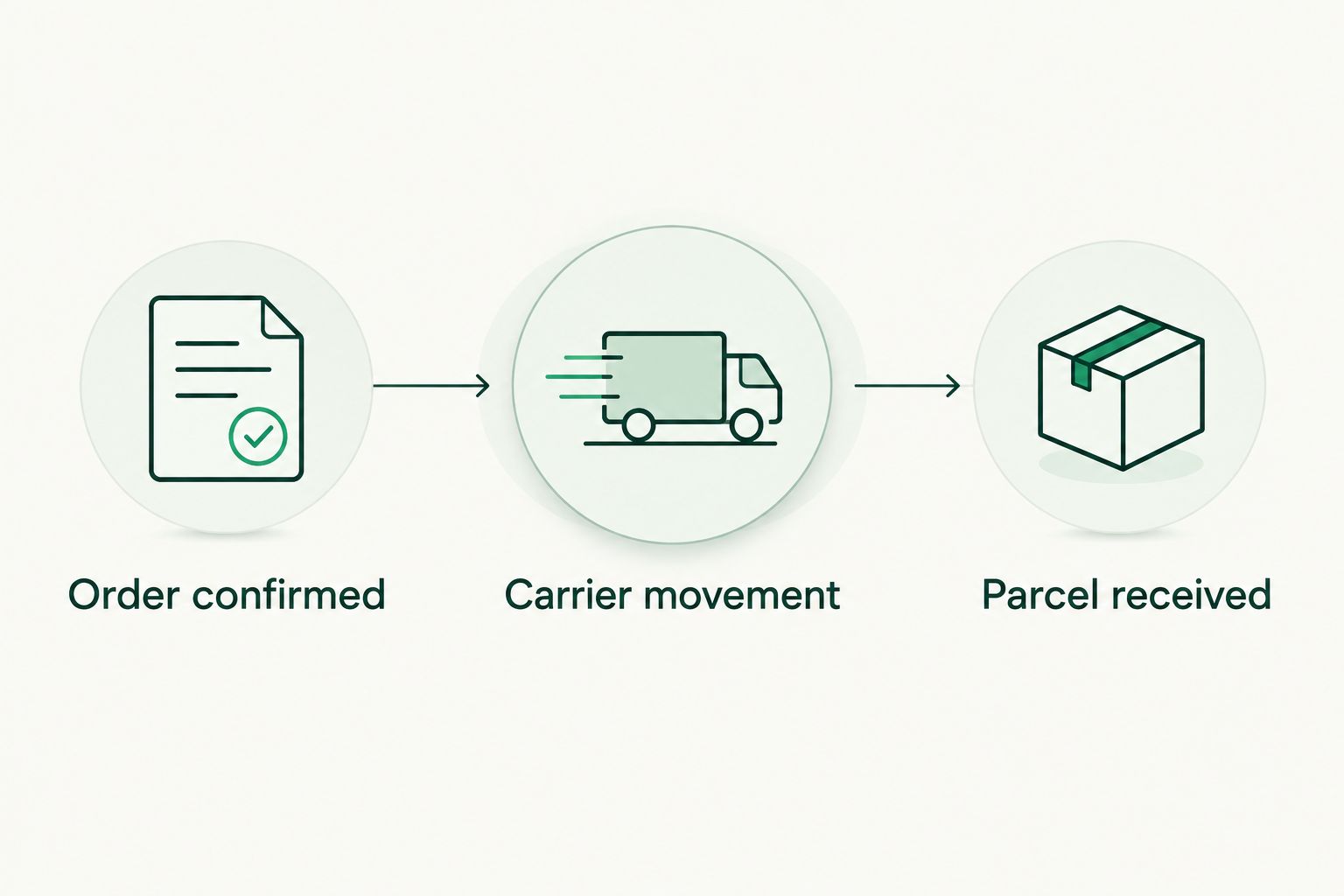
Expected result: You can separate order confirmation, carrier movement, and parcel receipt. If something goes wrong, you have the references and evidence needed to describe it clearly.
Use these 3 checkpoints as your tracking labels: Order confirmed, Carrier movement, and Parcel received. They are your organizational labels, not promised Olive Young interface labels.
Your support handoff
A useful support request identifies the order, states the discrepancy, and asks for a specific next action. A long account of every tracking refresh makes that harder.
- Identify the issue. Separate an order-content problem from a carrier-delivery problem. A wrong shade and a delivery exception require different evidence.
- Collect the record. Gather the order reference, affected item, latest tracking event, and relevant photographs or screenshots. Remove unnecessary personal and payment information.
- Use the appropriate channel. Follow the retailer's published process for order issues and the carrier's process for delivery instructions or tracking questions. Do not assume one party can change the other's records.
- State the request. Ask for the action you need: clarification of shipment status, instructions for a discrepancy, or confirmation of the next step. Keep follow-up correspondence in the same record.
Expected result: Your request contains enough context to investigate without requiring the recipient to reconstruct the order from scattered messages.
Document first, then contact support. Do not discard the carton, product packaging, or shipping label while a delivery or item discrepancy remains unresolved.
Repeat-order variant: refresh the checks, reuse the record
For a repeat purchase, copy the structure of your previous order record, not its conclusions. Recheck the exact variant, destination conditions, recipient details, and checkout terms before paying.
This 2026 repeat-order workflow saves organizational work without assuming the transaction is unchanged. It also keeps a reformulated product, different set, or changed delivery address from slipping through unnoticed.
| Workflow | Best for | Advantage | Limitation |
|---|---|---|---|
| Fresh order record | First purchase or unfamiliar basket | Forces a full review of product and destination details | Requires more initial recordkeeping |
| Reused record template | Repeat purchase of a familiar item | Keeps useful fields and past correspondence organized | Old details become misleading unless you refresh them |
Neither workflow replaces the retailer's checkout checks. Reuse the template; revalidate the purchase.
Before repeating an order automatically, compare the exact item across retailers. The Amazon vs. Olive Young comparison provides a separate research route; it does not replace the shipping terms attached to your chosen transaction.
Troubleshooting
Your address or item fails checkout validation
Check that the destination, state, ZIP code, and unit details are consistent. Read the actual error message before changing anything. If the issue concerns product eligibility, changing the spelling of an otherwise correct address does not resolve it.
You see payment activity but cannot identify an order
Check the email address used at checkout, spam folders, and any accessible order history. Ask the payment provider about the transaction status if needed. Do not treat a payment entry alone as proof of a confirmed order, and do not submit repeated purchases while the first attempt remains unclear.
Tracking shows shipment information but no movement
Read the event wording carefully. Shipment data and physical carrier movement are distinct events. Compare the status with the order's stated processing information, then contact the retailer if clarification is needed; repeated browser refreshes do not establish that a parcel has been collected.
A message asks for customs information or payment
Verify the request through the carrier identified in your shipment record before sharing information or making a payment. Customs authorities can require documentation or assess duties, but an unsolicited message is not proof of a legitimate request. Follow verified instructions rather than a link in an unexpected text.
Tracking says delivered, but the parcel is missing or incorrect
Check the recorded delivery location, building reception, and any delivery proof supplied by the carrier. For incorrect or damaged contents, preserve the label and packaging and photograph the discrepancy. Report the issue through the relevant published process with your order and tracking references.
Customize your workflow
Add fields only when they change a decision. A gift order needs recipient coordination; a replacement for a nearly empty skincare product needs a backup plan that does not depend on an unconfirmed arrival date.
Use Kbeautyplug for Korean skincare comparison before checkout, then maintain your transaction record separately. Its role as a comparison platform helps with retailer research; it does not replace the seller's confirmation or the carrier's tracking.
For 2026 shopping, keep retailer selection and delivery monitoring separate. The advantage is clear responsibility at each stage. The trade-off is that you still need to check the actual order conditions rather than expecting comparison research to settle fulfillment questions.
FAQ
How do I arrange Olive Young Global shipping to a US address?
Set the United States as the destination, confirm that the exact items and address pass checkout checks, and review the order terms before payment. Save the confirmation and follow the carrier identified in the shipment record.
How long does Olive Young Global shipping to the US take?
Use the delivery estimate shown for your actual order rather than a universal timeline. Order processing, carrier movement, and customs handling are separate stages, so distinguish the checkout estimate from later tracking events.
Does an Olive Young order confirmation mean my parcel has shipped?
No. An order confirmation identifies the purchase; shipment information and carrier movement establish separate delivery checkpoints. Keep both records together.
Can I assume every Olive Young Global product ships to the US?
No. Check the exact item's destination eligibility and any basket warnings before paying. A visible product listing does not by itself establish that your intended delivery arrangement is accepted.
What should I do if my tracking has stopped updating?
Read the latest event and compare it with the processing and delivery information attached to your order. Save the event wording and contact the relevant retailer or carrier when you need clarification.
What should I do if my skincare arrives damaged or incorrect?
Photograph the parcel, label, packaging, and affected items before discarding anything. Contact the retailer through its published support process with the order reference and a clear description of the discrepancy.
Is Kbeautyplug the place to track my Olive Young parcel?
Use the carrier and shipment references supplied for your Olive Young order to track the parcel. Kbeautyplug is a Korean skincare and makeup comparison platform for researching purchases across retailers.
One last thing
The shipping label is part of your evidence, not just packaging. Keep it until you have matched the delivered contents to the order and resolved any discrepancy. A tidy order record is useful; the physical parcel can answer questions that a confirmation email cannot.